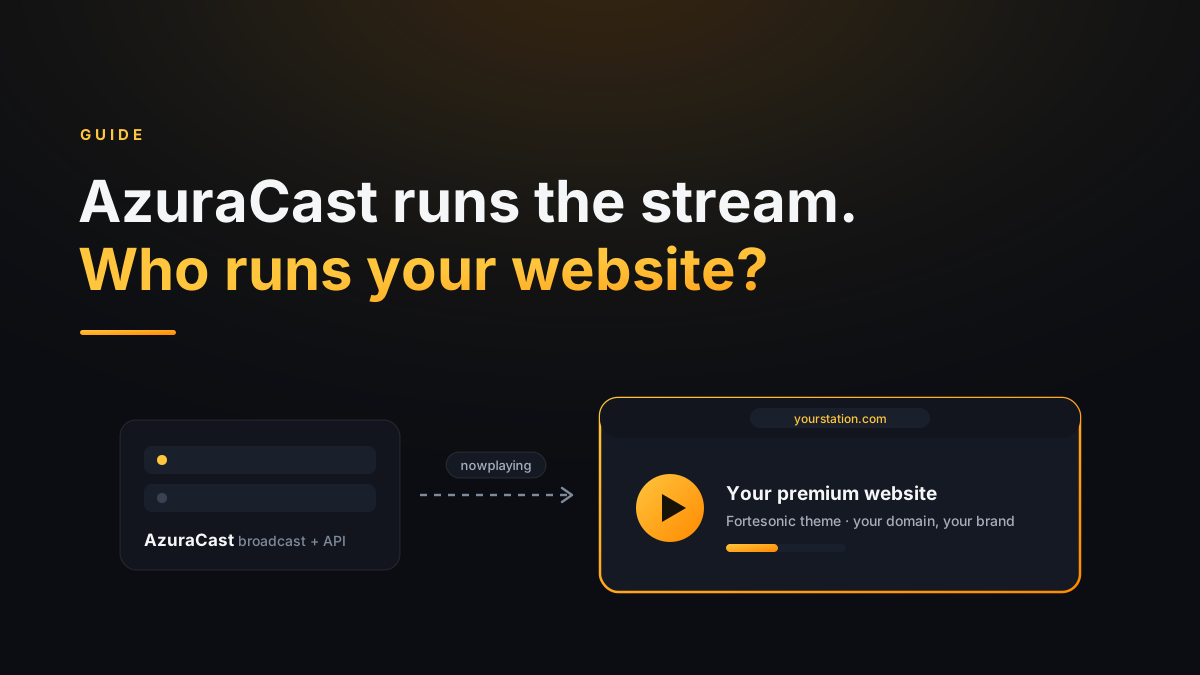
If you run an internet radio station in 2026, chances are AzuraCast is already doing your heavy lifting. It's brilliant at what it does — and honest about what it doesn't do: it was never meant to be your public website. This guide covers both halves: what AzuraCast is, and how to give your stream the site it deserves.
AzuraCast in sixty seconds
AzuraCast is a free, self-hosted web radio management suite. One installation gives you the whole broadcast chain: AutoDJ with playlists and schedules, live DJ connections, Icecast/Shoutcast mount points at multiple bitrates, listener statistics — and, crucially for us, a clean public API that exposes now-playing data, song history and the queue. You can run it on your own VPS, or skip the server entirely with a hosted AzuraCast provider — same panel, same API, no server administration.
What AzuraCast intentionally leaves to you is the listener-facing website. Its built-in public pages are functional embeds — fine for testing, not something you'd print on a business card. Your station's brand deserves more than a widget on someone else's URL.
Think of Fortesonic as the theme AzuraCast never shipped
If you've ever installed a WordPress theme, the mental model is the same — upload, set a few options, done. Except there's no WordPress underneath: no database, no plugins, no admin panel to patch. Just flat files talking to your AzuraCast API.


The DIY route: three steps, honestly
- Upload. Unzip the package and drag everything into your hosting's web
root (
public_html) over FTP or cPanel File Manager. Requirements are the shortest list in the industry: PHP 8+, HTTPS, cURL — standard on practically every shared host. - Connect your stream. Open the single config file and paste two URLs from your AzuraCast panel: the Now Playing API link and your mount-point stream URLs (create 320/128/64 kbps mounts to unlock the quality switcher). Station name, logo, colors and feature toggles live in the same file.
- You're on air. Player, history, PWA, TV mode, song links — all live. The owner's manual documents every key, with screenshots.
If you're comfortable copying two URLs into a text file, you're qualified. That's the whole point of the architecture — if you're a pro, you can do everything yourself for small money: 99 € (Mezzo) or 199 € (Forte, 100% white-label), one time.
Not technical? Also three steps — ours, not yours
- Installation service (49 €) — we install Fortesonic on your hosting and connect your AzuraCast stream for you.
- Fortissimo (299 €/year, all-in) — the white-label site on our managed NVMe server: installation, SSL, Cloudflare CDN and automatic updates included. You run the radio; we run the website.
- No server for the stream itself? Use a hosted AzuraCast provider for the broadcasting side — Fortesonic connects to it exactly the same way, artwork, history and queue included.
Pro or not, the destination is identical: your station, on your domain, running a website you own.
Which route is yours?
If you enjoy tinkering: buy once, install yourself, done in an afternoon — and the 5-year math works massively in your favor. If you never want to see an FTP client: Fortissimo costs less than the big SaaS builders while giving you a site you can take with you, because it's the same product underneath. Either way you get the full listener feature set — nothing is locked behind a bigger plan.