Any hosting panel can give you a stream URL. What it can't give you is a reason for a listener to stay, install your station on their phone, and come back tomorrow. That reason is the experience around the audio — and it's exactly the part most radio websites skip.
Fortesonic was engineered from the listener's side of the glass. Below is what your audience actually gets — and why each piece quietly earns you longer sessions, repeat visits and more song discovery for the artists you play.
Stability first: audio that refuses to stop
Nothing kills a radio session faster than silence. Fortesonic treats the audio engine as sacred:
- App-shell navigation When a listener opens the history, the schedule or a legal page, only the content region swaps — the player is never destroyed by a reload. The music simply keeps playing while they browse.
- Self-healing offline state If your stream API hiccups, the interface switches to a clean offline state instead of spraying errors — and recovers by itself the moment the stream is back.
- Multi-bitrate + mobile data saver 64 to 320 kbps mount points with seamless switching. On mobile data, the player automatically drops to 64 kbps and politely says so — saving the listener's battery and plan instead of burning it.
- Lock-screen & hardware controls Via the MediaSession API, your cover art and track title sit on the phone's lock screen, and headset buttons control the stream — like a native music app.

The sleep timer your listeners didn't know they needed
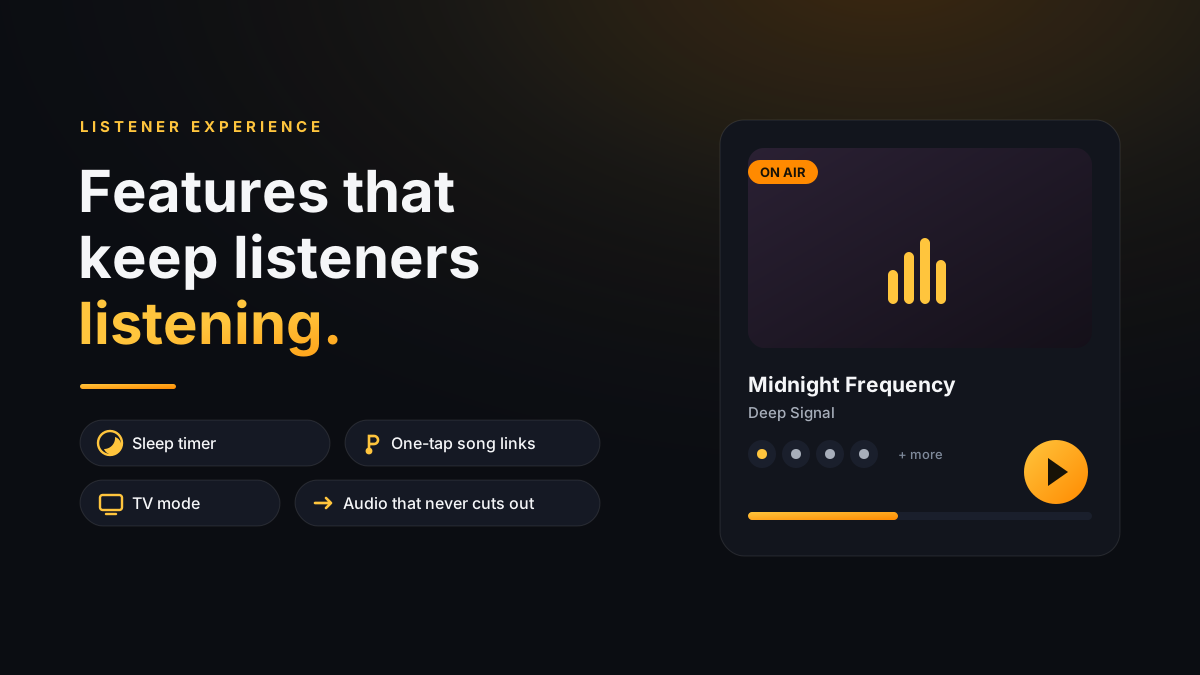
Radio's oldest habit is falling asleep to it. Fortesonic ships a proper sleep timer — 15, 30, 45 minutes or an hour. When the countdown enters its final stretch the volume fades down gently, the stream stops, and a quiet “Good night” notice confirms it. The clever part: the countdown survives a page reload, and the fade-start volume is restored afterwards, so the next morning's play never starts silent. Zero configuration — it's simply there for every listener.
Features like this don't show up in a feature-count. They show up in listeners choosing your station as the one they fall asleep to.
Find the song, keep the song — and promote the artist
“What was that track?” is the most valuable question in radio. Fortesonic answers it instantly, and then goes a step further:
- Real-time Now Playing — artwork, artist and title update live, with year, genre, BPM and musical-key pills when available. Every song gets its full identity, not just a scrolling title.
- One-tap universal song links — every track links out through Song.link to Spotify, Apple Music, YouTube Music, Deezer, Tidal and more. The listener opens it in the service they already pay for and saves it to their own library.
- 24-hour broadcast history — a server-rendered archive with artwork and timestamps, so “the song from this morning” is never lost. Rows even offer short previews without killing the live stream — pause, preview, resume.
This is what we mean by artist-oriented radio: your station stops being a black box of sound and becomes a discovery engine. Labels and artists you play get real, clickable exposure with full credits — which makes your playlist pitches and promo partnerships a much easier conversation.

TV mode: your station on the biggest screen in the room
One click turns the player into a full-screen “lounge” display — giant cover art, live status, what's up next, nothing else. Put it on the TV in a café, a studio, a barbershop or a waiting room and your station becomes the room's soundtrack with its branding on screen the whole time. Listeners at home use it as a living-room player; venues use it as free, permanent promotion for you. Esc leaves, one toggle in the config hides it if you don't want it.


And everywhere in between
The pop-out player keeps music running in a compact window while desktop listeners work. The PWA install flow puts your logo on iOS and Android home screens. Song requests run through a protected, rate-limited form — no third-party services. A zero-API-key listener assistant answers questions from your own knowledge base. Every one of these is a switch in one config file — you decide what your audience sees.
Is there a more complete listener experience for an AzuraCast station? We honestly haven't found one — and we've compared the popular options side by side. The math of owning it beats renting it too, and we've done that math in public.